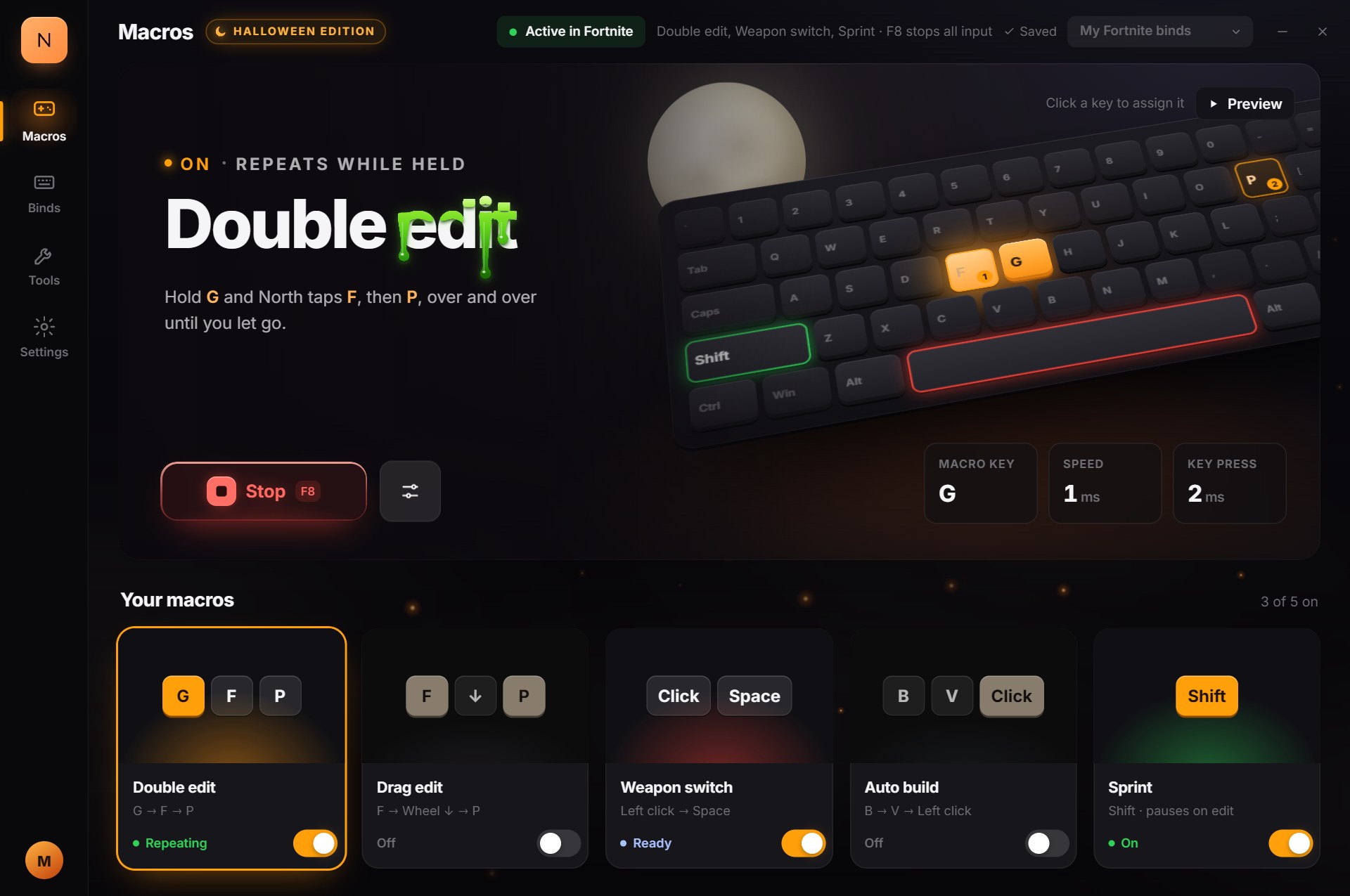
Ghold
→FPFP↻
edit, select, againRepeats while held
Double edit
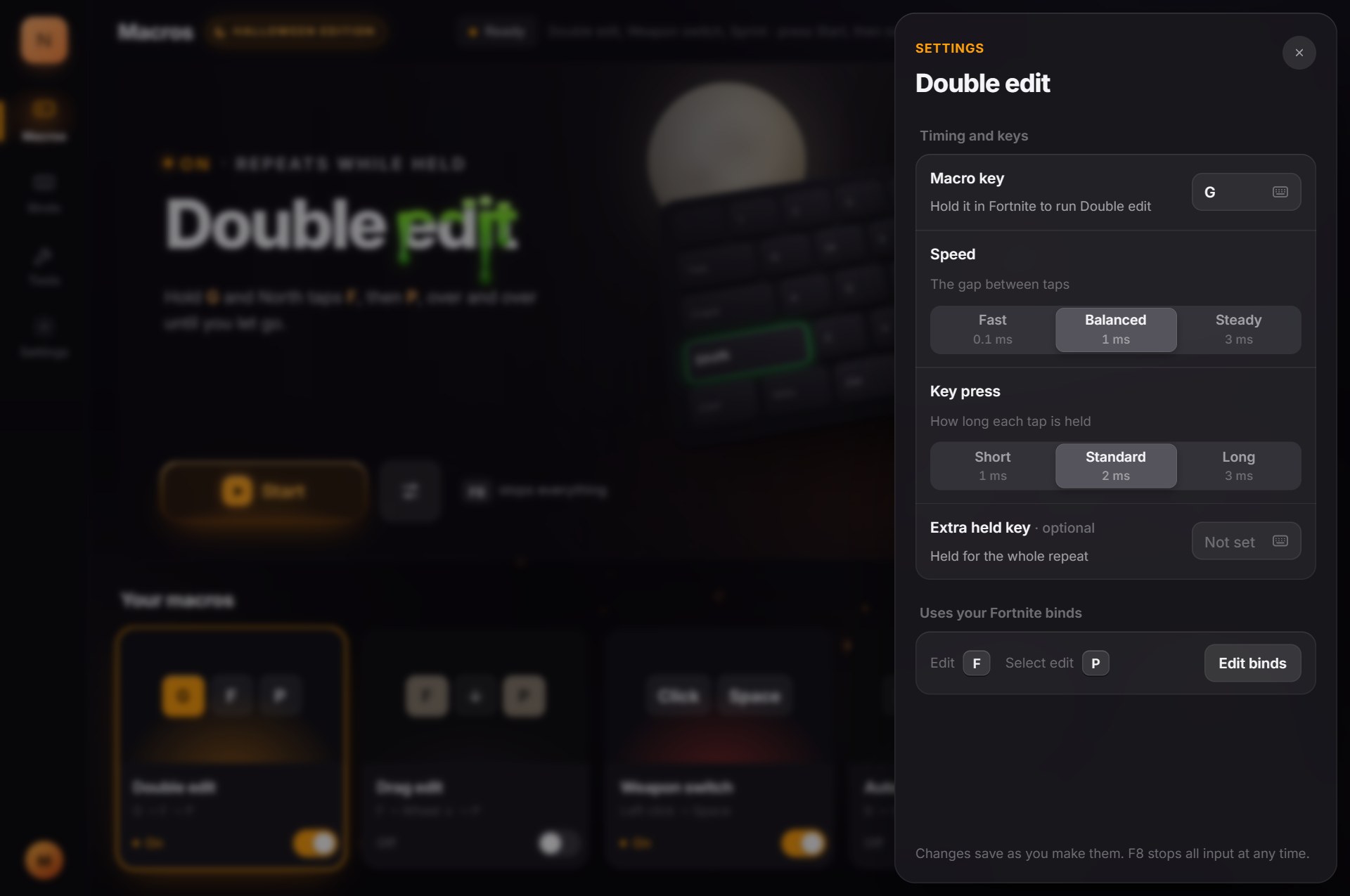
Hold G and North taps your Edit key, then your select key, over and over until you let go. Choose the gap between taps: Fast 0.1, Balanced 1 or Steady 3 ms.
North's Tweaked Macro gives you five Fortnite macros for edits, weapon swaps, building and sprinting. Switch on the ones you want, pick a timing preset, press Start.
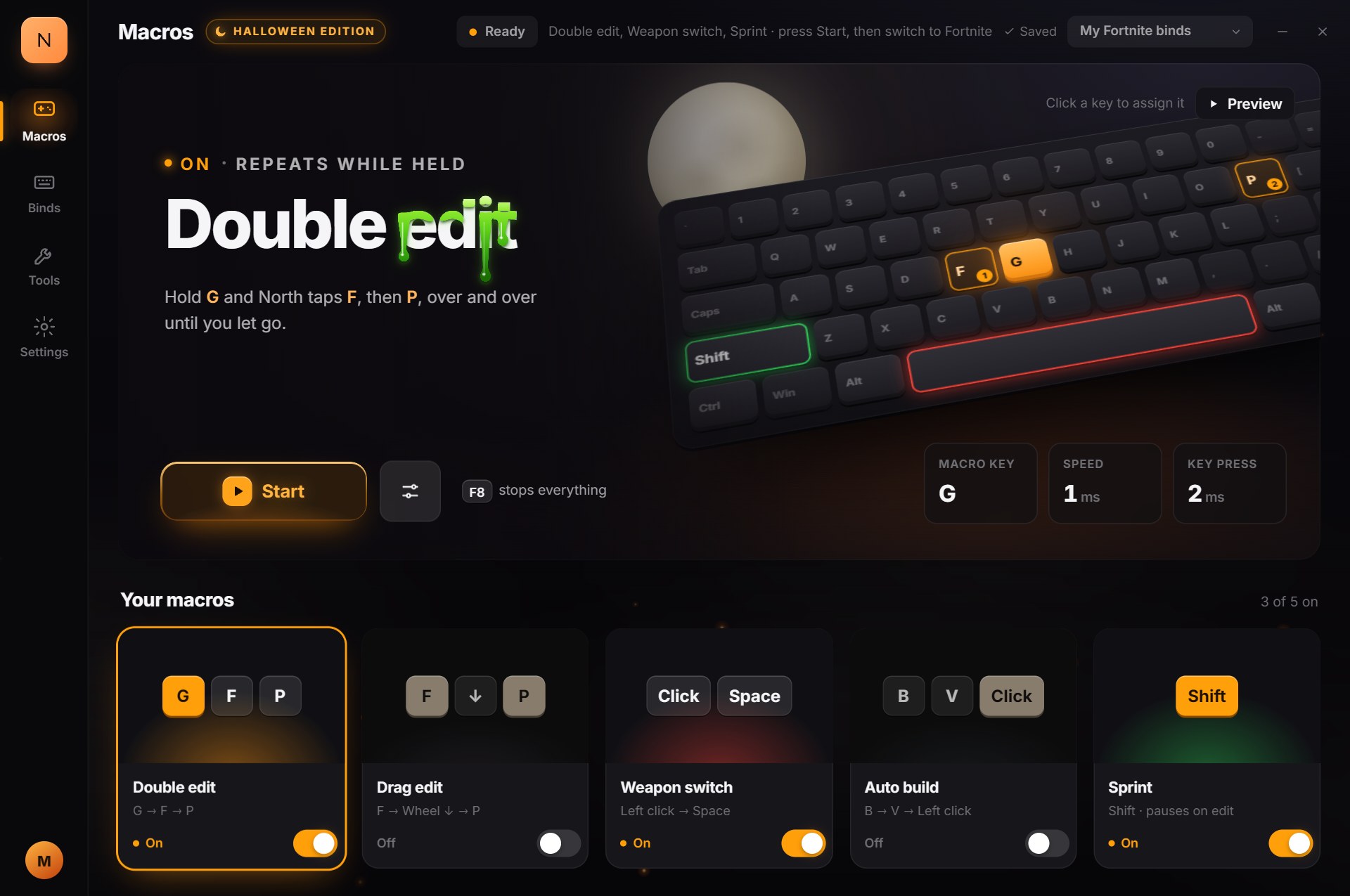
Each one covers a spot where your hands lose time mid-fight. Turn on the ones you want and they run only while Fortnite is in focus.
Hold G and North taps your Edit key, then your select key, over and over until you let go. Choose the gap between taps: Fast 0.1, Balanced 1 or Steady 3 ms.
Hold your Edit key and North flicks the mouse wheel to reset the edit, then holds select so you can drag across tiles. Let go to confirm.
Let go of left click and North presses your weapon slot key a moment later. Held Ctrl, Shift or Alt stay held, so Toggle Crouch and Sprint don't flip.
Tap B and North picks your piece, like your cone, and keeps placing it until you tap B again. Needs Fortnite's Turbo Building on.
North holds your sprint key so you keep sprinting. It steps aside while you edit and picks back up after.
No typing in milliseconds. Double edit, Drag edit and Weapon switch each come with three presets. Pick a preset, go faster or steadier until it feels right, and North saves it as you go.
Every fight you've lost to a slow edit or a late weapon swap was winnable. North presses the same keys the same way every time, while everyone else is still fighting their fingers.
Lifetime access, free updates, no subscription.
Your token and download appear right after checkout, and Payhip emails you a link to them.
Still unsure about something? Ask in the Discord before you check out.
Ask in the DiscordNorth doesn't touch Fortnite's files. It never injects into the game or interacts with anti-cheat; it just sends normal keyboard and mouse input while Fortnite is in focus. Epic's rules don't allow macros, so we can't promise you won't be banned. Use it at your own risk.
A 64-bit PC with Windows 10 or 11, Fortnite on PC, and a keyboard and mouse. North is a single .exe with no installer, and it needs an internet connection when it starts. macOS, Linux and consoles aren't supported.
Right after checkout your purchase token is on your download page, and Payhip emails you a link to it. Paste it when North opens and it activates that PC. North doesn't save your token, so keep that email: it asks for the token each time it starts. Each token is linked to the first Windows device it's used on, and North checks it online at every launch and now and then while it's open. Reinstalling Windows or moving to a new PC? Ask the seller in the Discord for a device reset.
The release isn't code-signed, so Windows SmartScreen may warn you the first time you open it. Click More info, then Run anyway.
It's on your download page right after checkout, and Payhip emails you a link to that page. If the email isn't there in five minutes, check spam, then open a ticket in the Discord.
No. You pay $15 once and keep it, updates included.
All sales are final. If something goes wrong, open a ticket in the Discord. Depending on the situation, we may be able to make an adjustment.